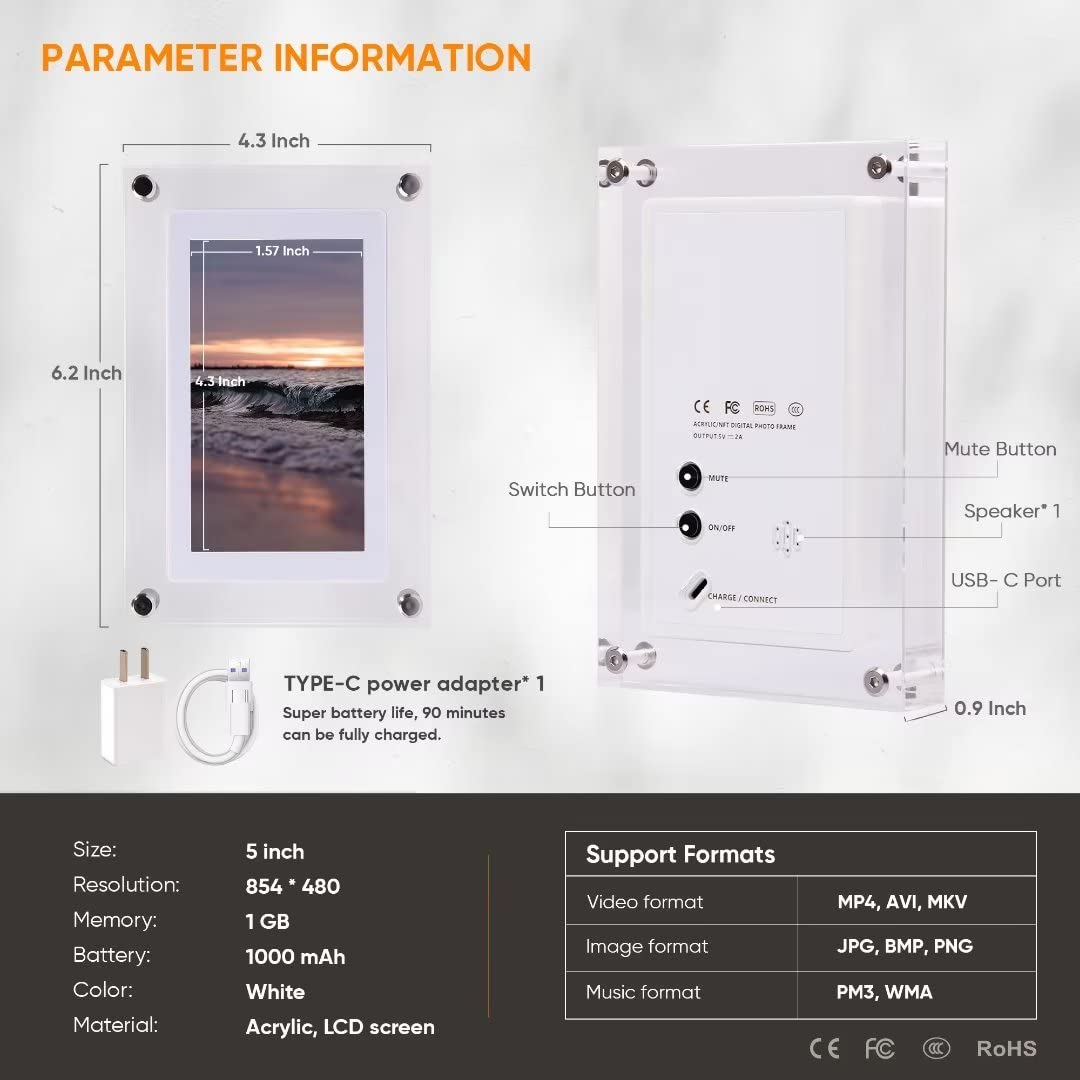
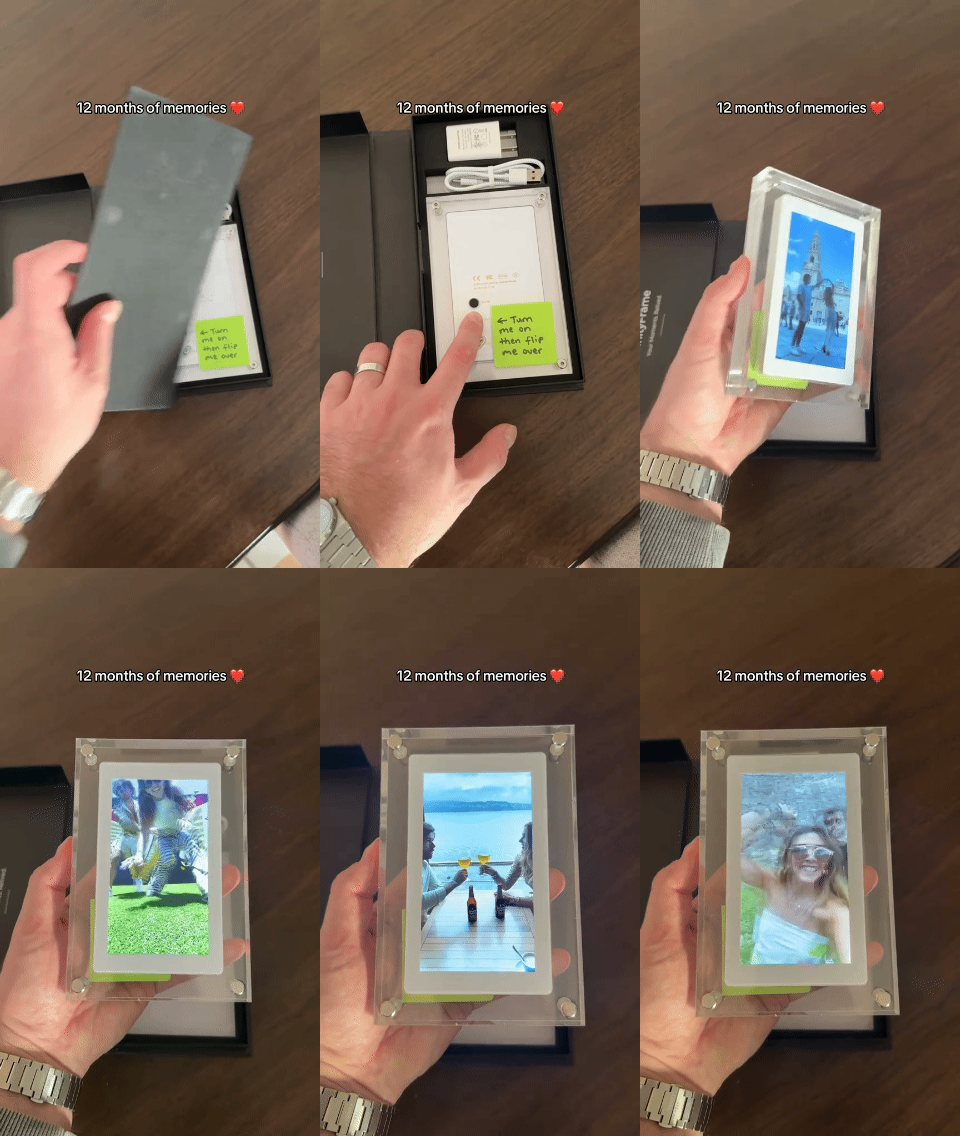
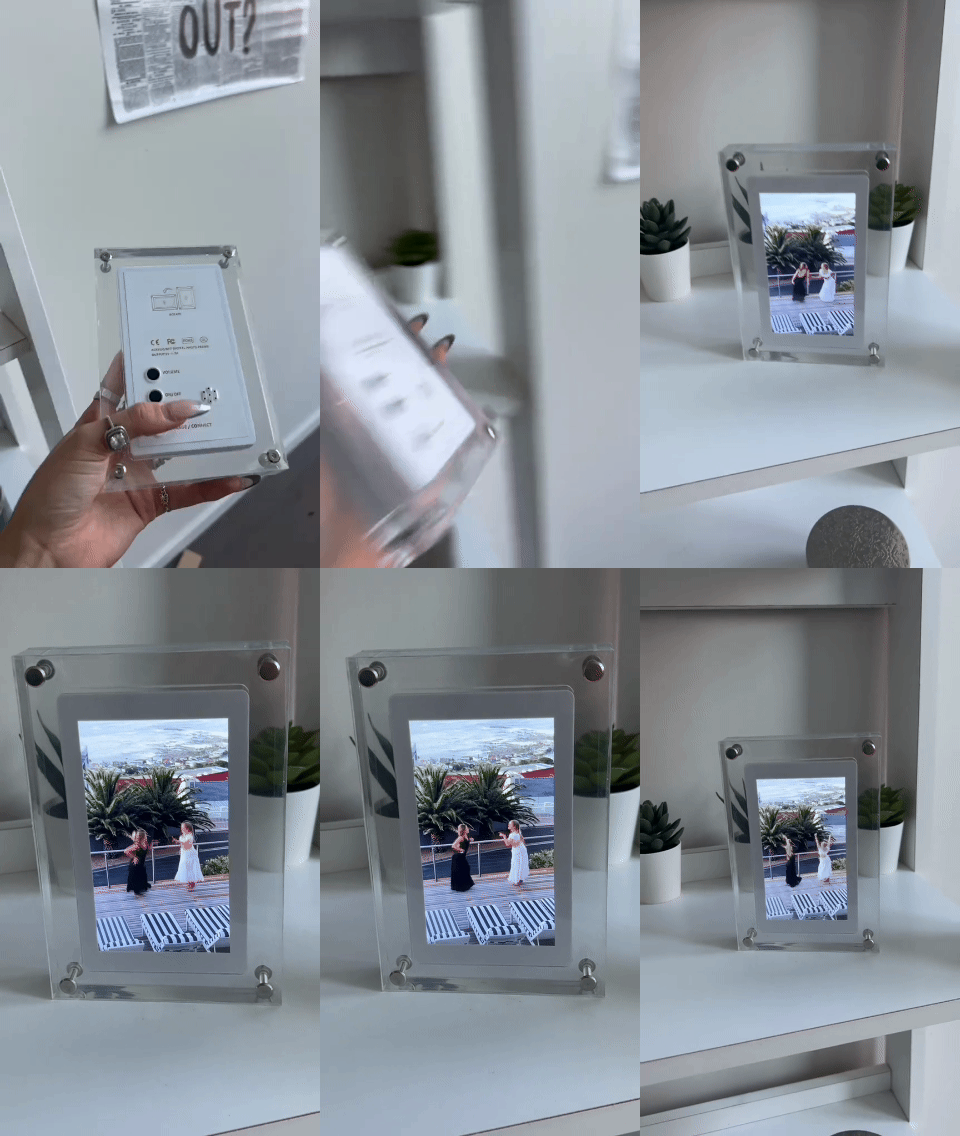




The TimelessFrame has a high quality 5 inch display.
The TimelessFrame
The TimelessFrame
is a digital display device designed to play videos, photos, and music. It features a high-resolution, color-calibrated screen with support for up to 1080p playback.
-
Personalized Memories
-
Timeless Value
-
Emotional Impact
-
The perfect gift for any occasion
In stock
Only 17 left today

Arrives in [earliest_date] - [latest_date] , if you order now
The TimelessFerame a digital display device designed to play videos, photos, and music. It features a high-resolution, color-calibrated screen with support for up to 1080p playback. The frame is available in 5-inch, 7-inch, and 10-inch size options.
Equipped with a 360° automatic rotating screen, it adjusts between portrait and landscape orientations. The device includes 1GB of internal storage and a built-in 1200mAh rechargeable battery that provides approximately four hours of playback time.
If you don’t love your results within 30 days, simply contact us and we'll refund your money!
Ready to upload your first photo or video? Just follow the steps below!
Step 1: Plug your TimelessFrame to your computer/laptop (your frame should display a USB icon - if it does not, just press the power button to shut it off and wait until the USB icon pops up)
Step 2: Find the USB drive (this is different for each computer). There should be 2 folders named "Photo" and "Video" (It's important to never delete the folders themselves as this causes the frame to not function correctly. You can delete files in each folder to change what the frame displays).
Step 3: Upload your photos and videos to the folders and wait until it finishes. (It's important that all photos and videos be formatted correctly for the frame to display them. For a guide on how to format your photos and videos correctly, please scroll down).
*Quick Note: you will notice that the frame will play all photos, have a small pause then play all videos. To avoid this, you can always just create a single video that includes all the videos you want uploaded and insert photos in between.
Step 4: Unplug your frame and turn it on. Then enjoy!
You can change your photos and videos as many times as you want. Just follow the steps above each time.

The TimelessFrame
Regular price
£49.99
Sale price
£49.99
Regular price
£69.99
Unit price
per